How to Install LiveRecover in Under 5 minutes
In the video above, our Head of Growth, Zohaib, walks you through how you can install Liverecover in about 5 minutes or less.
Step 1: Install the Liverecover app
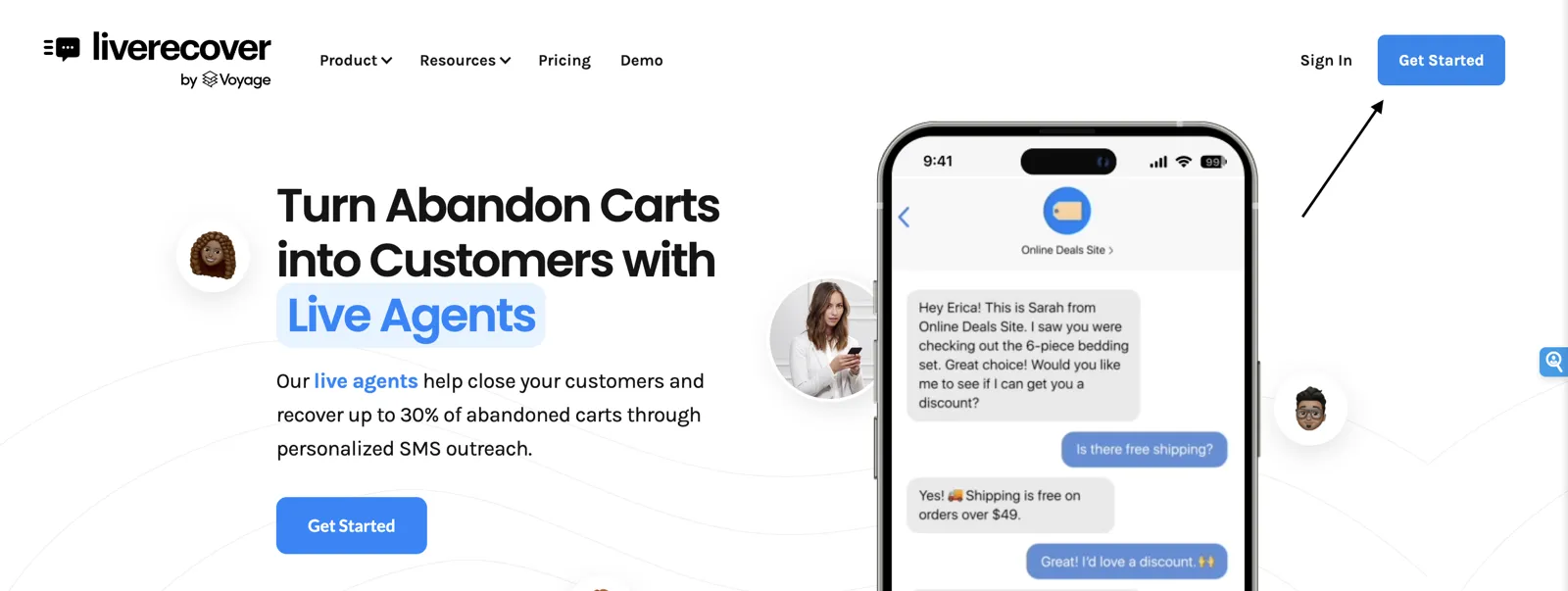
1. Visit our homepage and hit get started
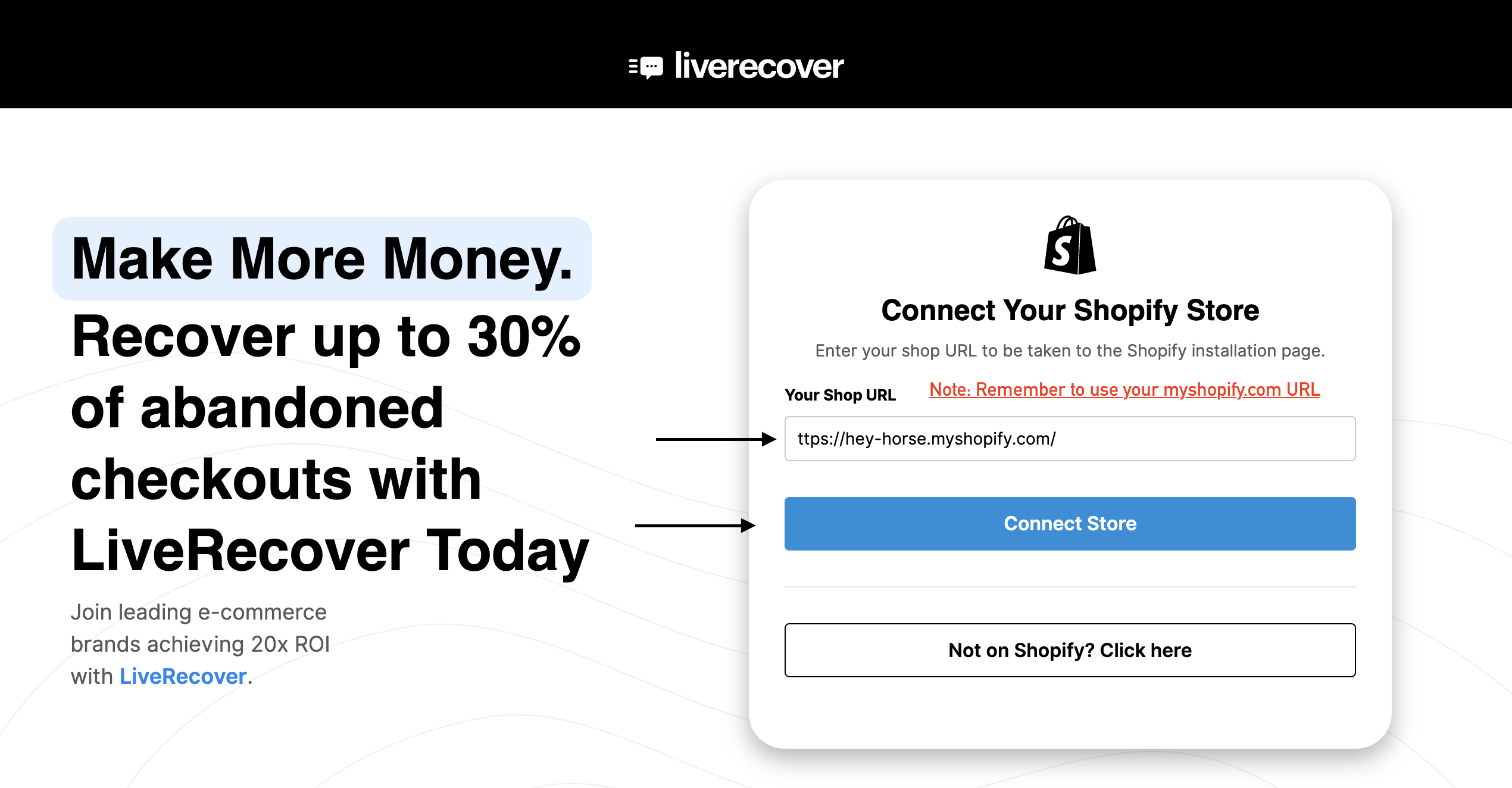
2. Fill out the form and submit. You will be prompted to connect your store directly. Type in your ".myshopify.com" store url (ex. https://hey-horse.myshopify.com/)
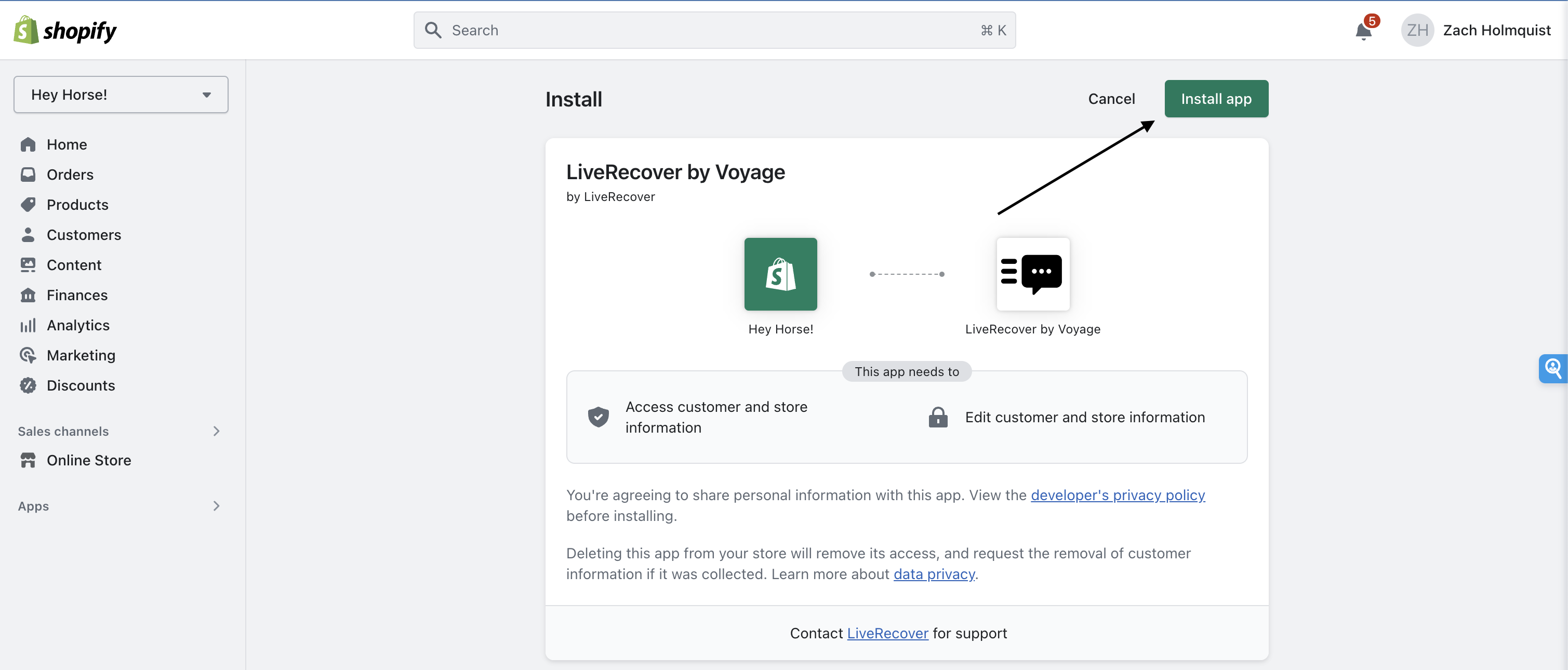
3. Click "Install App" to install the LiveRecover app
Step 2: Configuring your checkout for compliance
Changes required to your checkout to ensure we can text your customers.
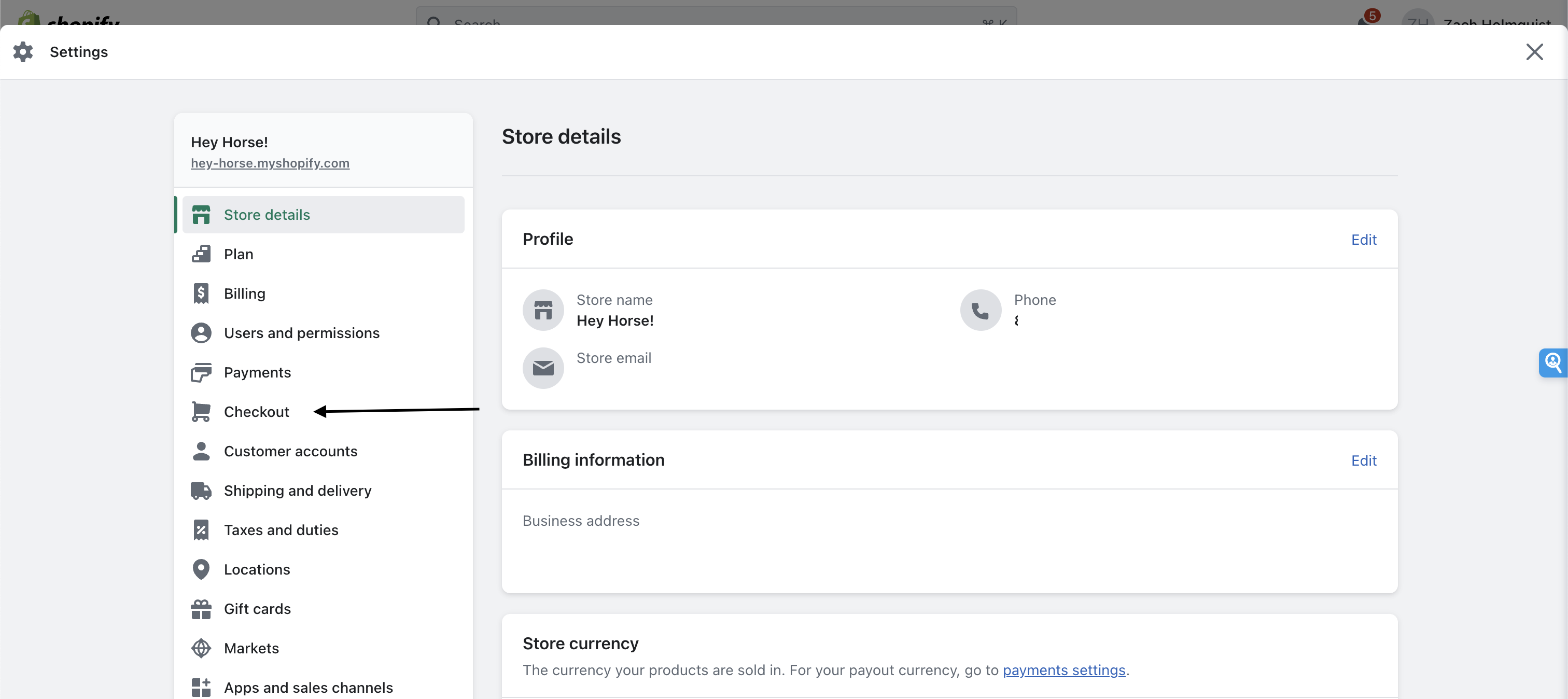
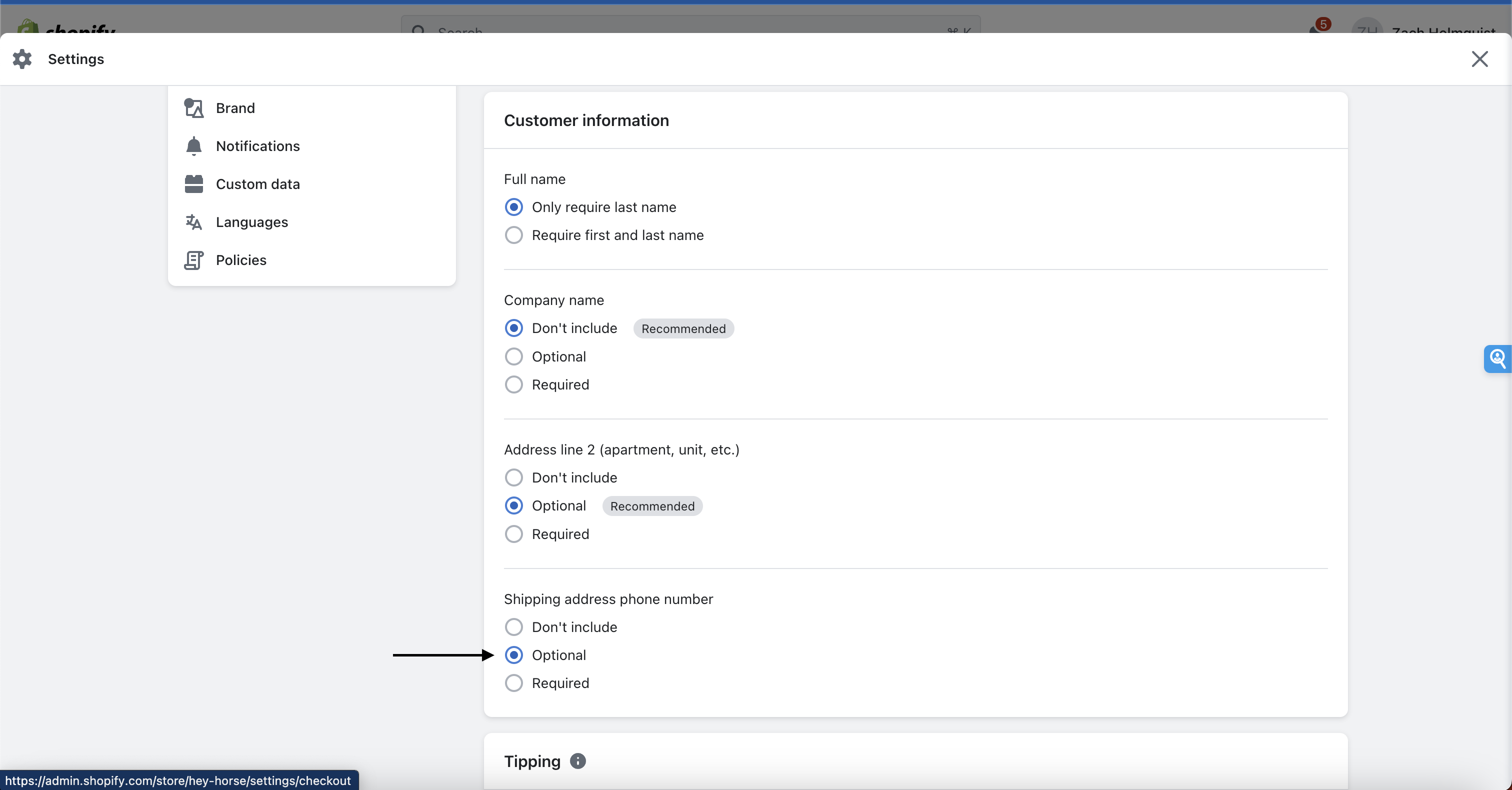
1. From your Shopify Admin, go to Settings -> Checkout
2. Scroll down until you see Form options, and change "Shipping address phone number" to Optional.
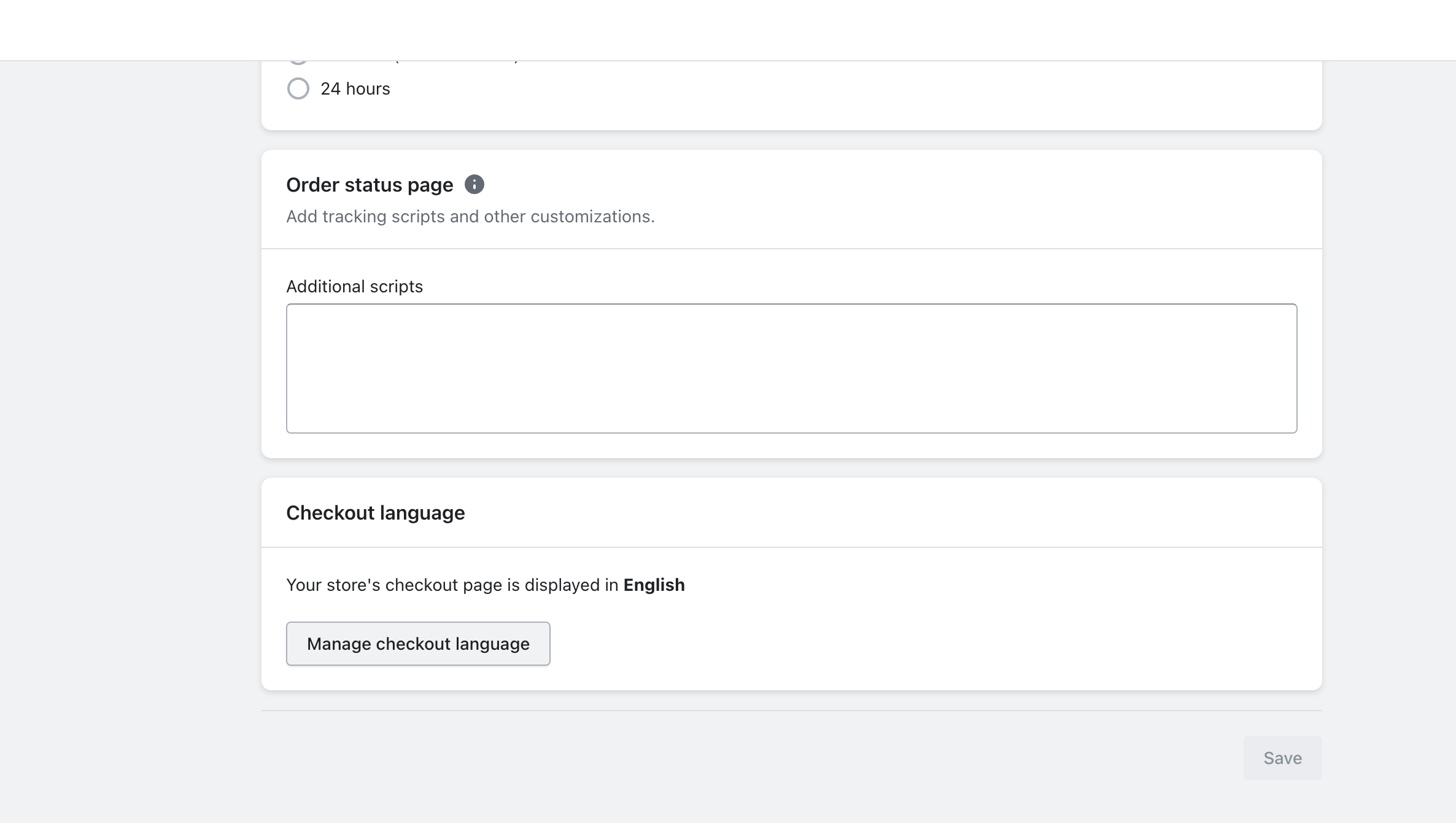
3. Next, scroll to the bottom of the page until you see Checkout language, and click on the Manage checkout language button.
5.) In the top navigation bar, select Checkout & system, scroll down until you see Checkout contact. Once you've found it, scroll down until you see the Phone label and Optional phone label fields:
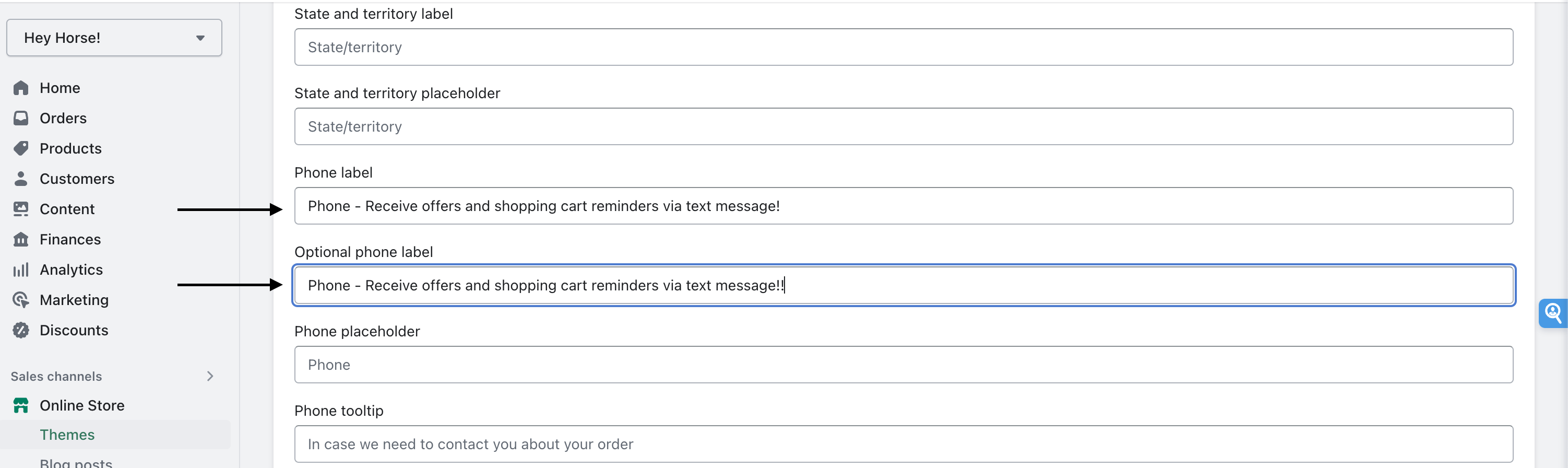
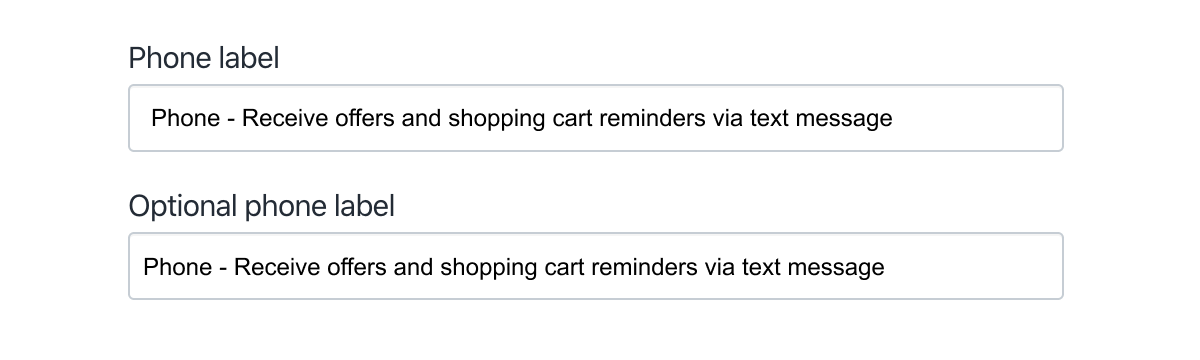
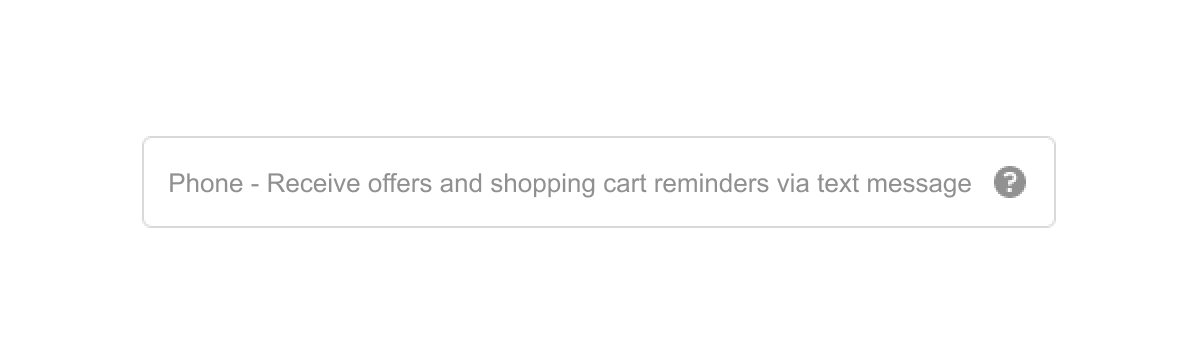
6.) In both Phone label and Optional phone label, type in: Phone - Receive offers and shopping cart reminders via text message
7.) After you've updated both labels, make sure to confirm your changes. Click Save in the top right corner.
8.) Go to your checkout page to verify the changes were successful. It should look like this:
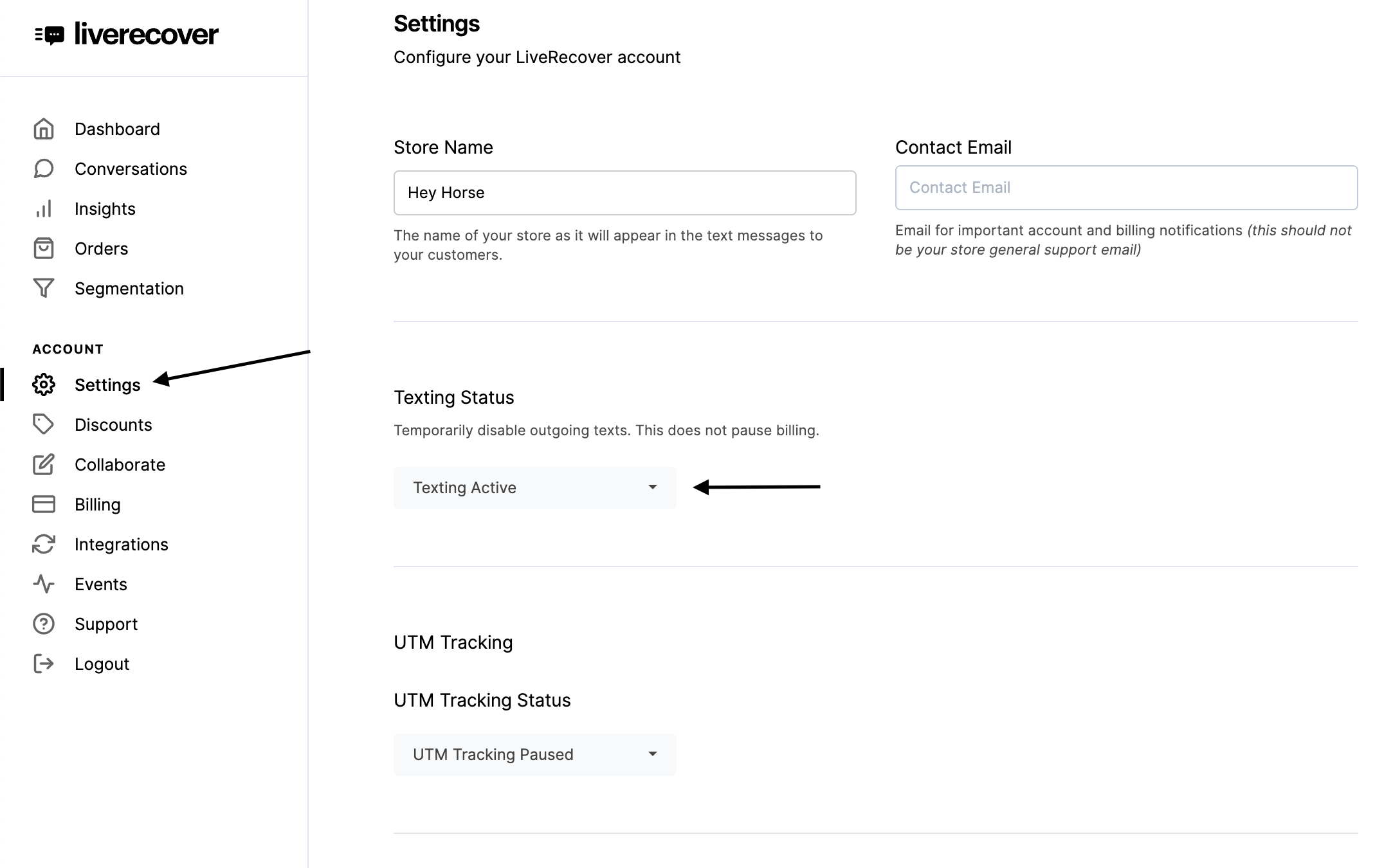
9.) Go back to the LiveRecover app, click Settings and activate SMS and you're all set! We are ready to start texting your customers. 🎉
Increase sales for your Shopify store by installing Liverecover. Optimize SMS conversations to boost sales. Install Liverecover and watch your sales grow!